May 8, 2026

Regular maintenance ensures that your property stays in top condition year-round and that your guests always have a great experience

 1. Why Use Smart Locks for Remote Check-In & Check-Out?
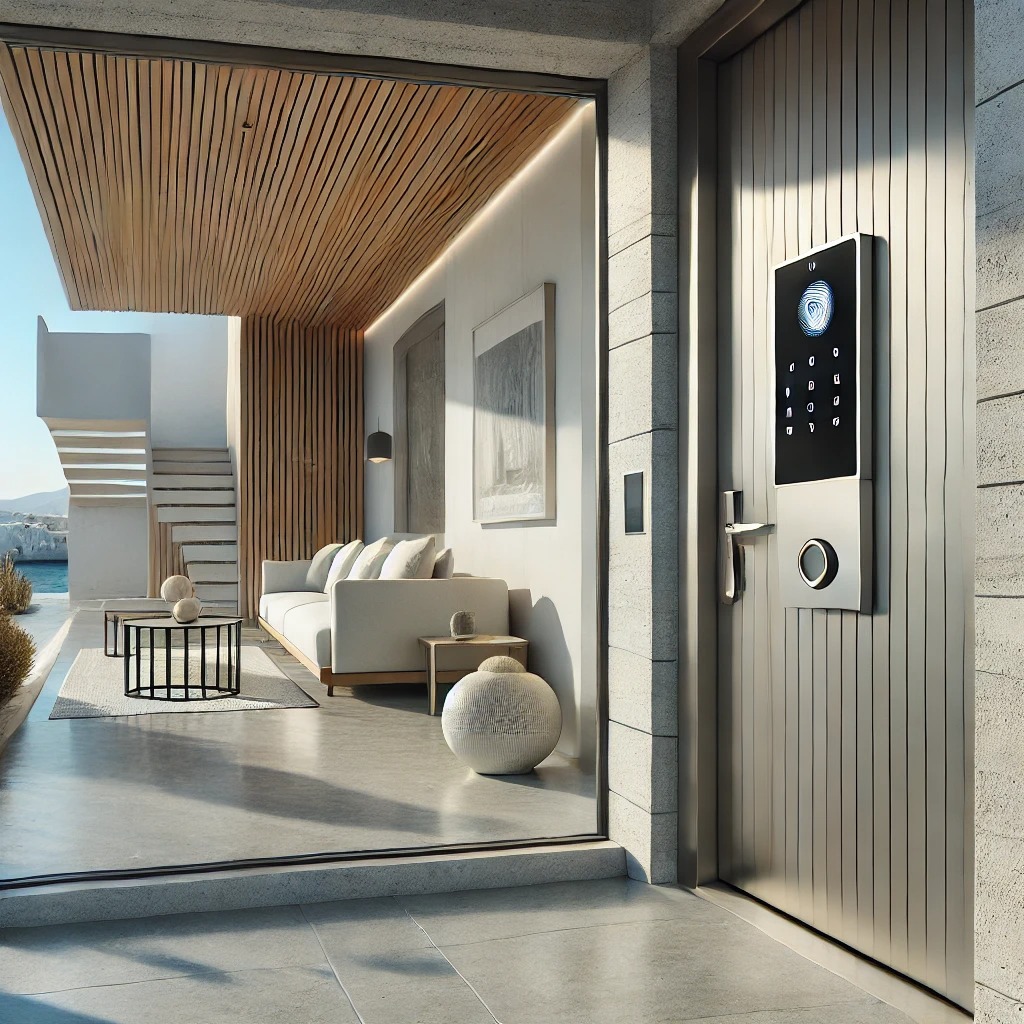
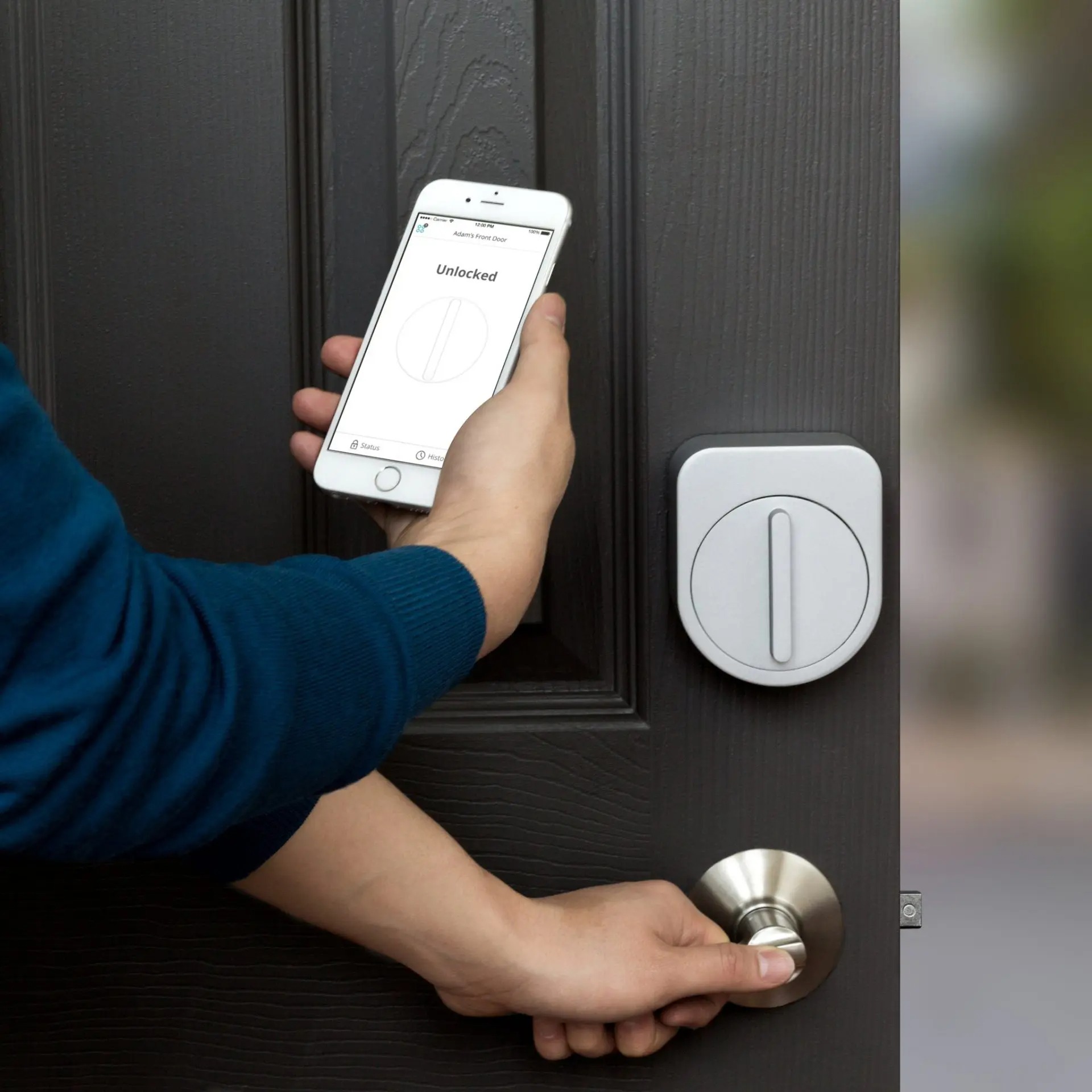
Smart locks eliminate the need for physical keys and allow you to grant and revoke access remotely via a mobile app or automated system.
 Benefits of Using Smart Locks for Vacation Rentals:
 Keyless Access – No risk of lost keys or lockouts. Remote Management – Grant access from anywhere, no need to meet guests in person. Automated Check-In & Check-Out – Assign temporary PIN codes that expire after checkout. Increased Security – Monitor who enters and exits in real-time. Better Guest Experience – Allows flexible check-in times without delays.
 Pro Tip: Smart locks integrate with rental platforms like Airbnb, automatically generating unique codes for each reservation.
 2. Choosing the Right Smart Lock for Your Vacation Rental
When selecting a smart lock, consider security, ease of use, and compatibility with your existing door setup.
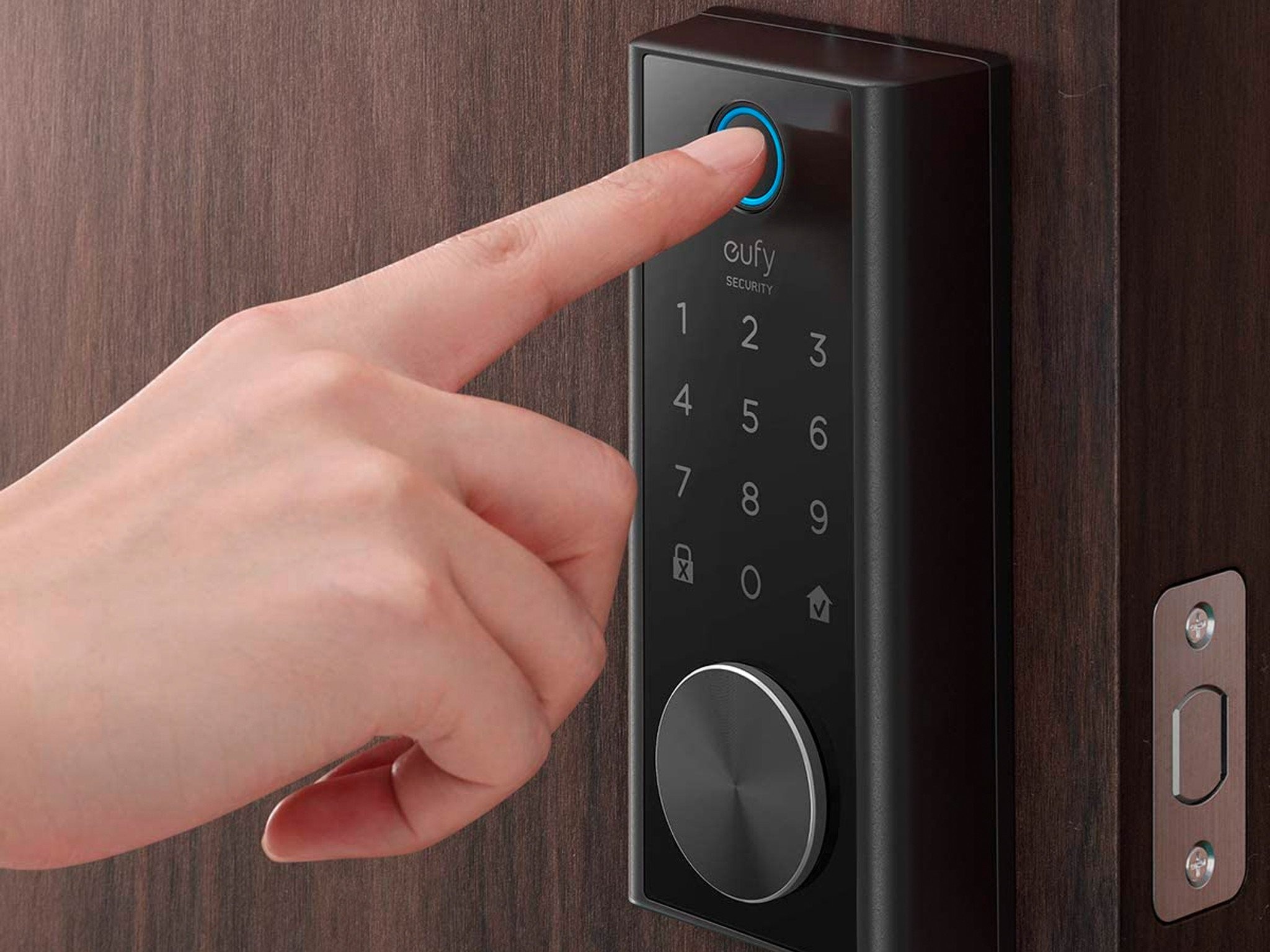
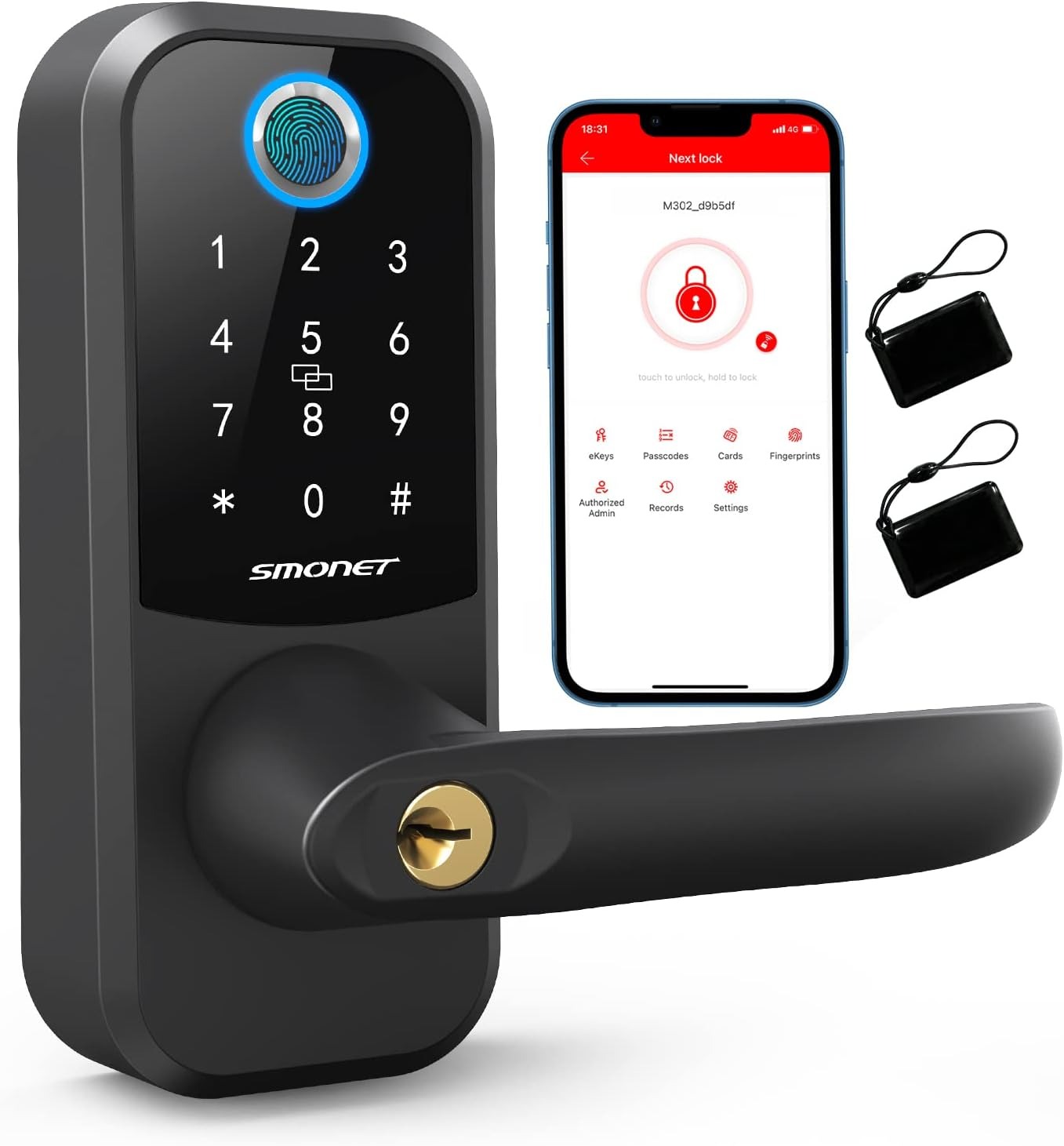
Key Features to Look for in a Smart Lock: Keypad Access & Temporary Codes – Guests can enter using a unique PIN. WiFi or Bluetooth Connectivity – Enables remote access control. Mobile App Control – Manage access from your smartphone. Integration with Smart Home Systems – Works with Alexa, Google Home, or Airbnb. Auto-Locking & Activity Logs – Enhances security by tracking guest entries.
 Top Smart Locks for Vacation Rentals:
 August Smart Lock Pro – Easy installation, app-controlled, integrates with Airbnb.
 Schlage Encode – Built-in WiFi, PIN codes, strong security.
 Yale Assure Lock – Keyless entry, touchscreen, and app access.
 Ultraloq U-Bolt Pro – Multiple unlocking methods, including fingerprint and keypad.
Pro Tip: Choose a lock with long battery life and enable low-battery notifications to avoid guest issues. 3. Setting Up & Managing Smart Locks for Remote Check-Ins
Once you’ve installed your smart lock, follow these steps to simplify guest access management.
Step 1: Connect the Smart Lock to WiFi & Set Up Remote Access Step 2: Create Unique Guest Codes Step 3: Automate Check-In & Check-Out Procedures Pro Tip: Use smart home integration to automate lights and air conditioning when guests enter. 4. Enhancing Security & Guest Experience with Smart Locks
Smart locks improve security while making the guest experience more convenient and hassle-free.
How to Keep Your Property Secure: Enable activity logs – Monitor when guests check in and out. Set auto-locking – Prevent doors from being left open. Use backup access methods – Provide a backup key or secondary entry option. Change access codes regularly – Prevent unauthorized re-entry.
Pro Tip: Include clear check-out instructions in your digital guidebook, asking guests to lock the door before leaving. 5. Troubleshooting Common Smart Lock Issues
Even with advanced technology, occasional issues can arise. Be prepared with solutions to common smart lock problems.
Common Smart Lock Issues & Fixes:
Issue |
Solution |
|
Guests can’t unlock the door |
Ensure they entered the correct PIN & check WiFi connectivity. |
|
Low battery warning |
Set up alerts & keep spare batteries on-site. |
|
WiFi disconnects |
Restart the router or connect the lock to a smart hub. |
|
PIN code doesn’t work |
Remotely reset or generate a new one. |
|
Lock doesn’t auto-lock |
Adjust settings in the smart lock app. |
Pro Tip: Keep a backup lockbox with a physical key in case of emergencies. Final Thoughts: Smart Locks Make Remote Hosting Effortless
Using a smart lock for your vacation rental makes check-ins and check-outs faster, more secure, and more convenient for both you and your guests. By automating access, you eliminate key exchanges, reduce risks, and create a seamless experience.
Quick Recap: How to Handle Check-In & Check-Out Remotely with Smart Locks Choose a high-quality smart lock with remote access & unique PIN codes. Set up and connect the lock to WiFi for remote management. Automate check-in & check-out with scheduled access codes. Enhance security with auto-locking, activity logs, and backup access methods. Troubleshoot common smart lock issues quickly to prevent guest complaints.
Looking for expert vacation rental solutions? Contact us for smart home setup, property management, and automation services in Mykonos! Want more vacation rental management tips? Visit our blog for expert insights on hosting, security, and smart home technology!
Regular maintenance ensures that your property stays in top condition year-round and that your guests always have a great experience
Salt from the sea and intense sun exposure can cause corrosion, mold growth, and paint deterioration over time.
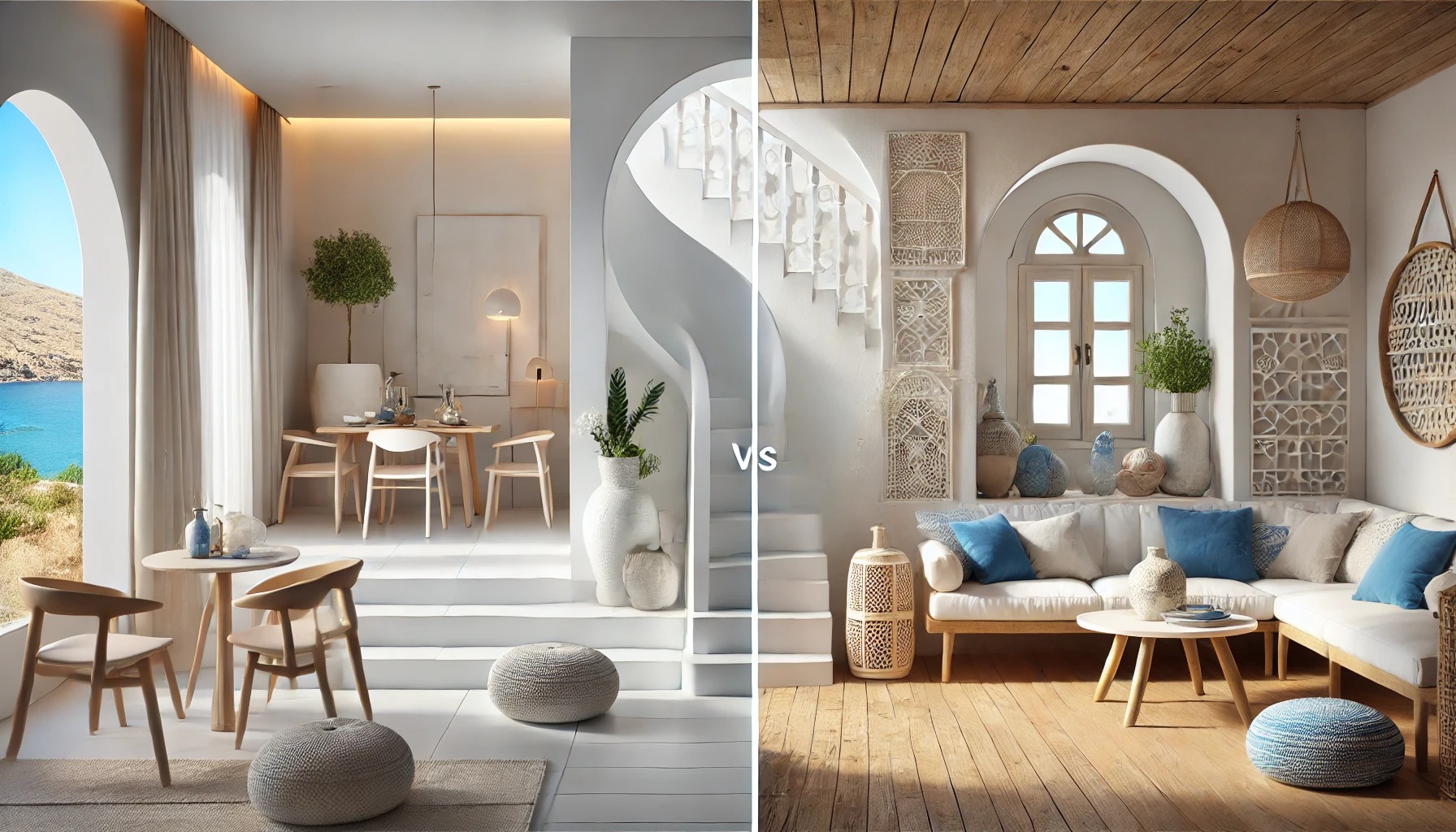
When renovating a vacation home in Mykonos, two timeless design aesthetics stand out: Minimalist and Cycladic styles